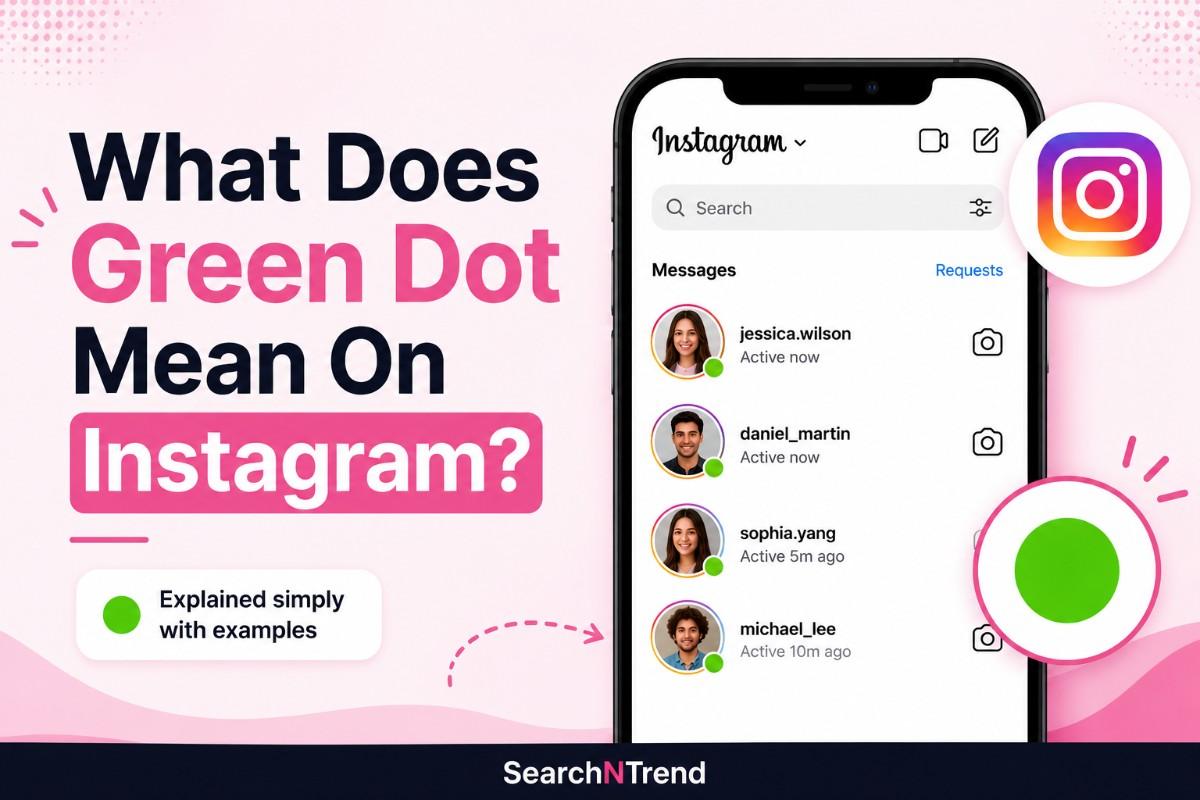




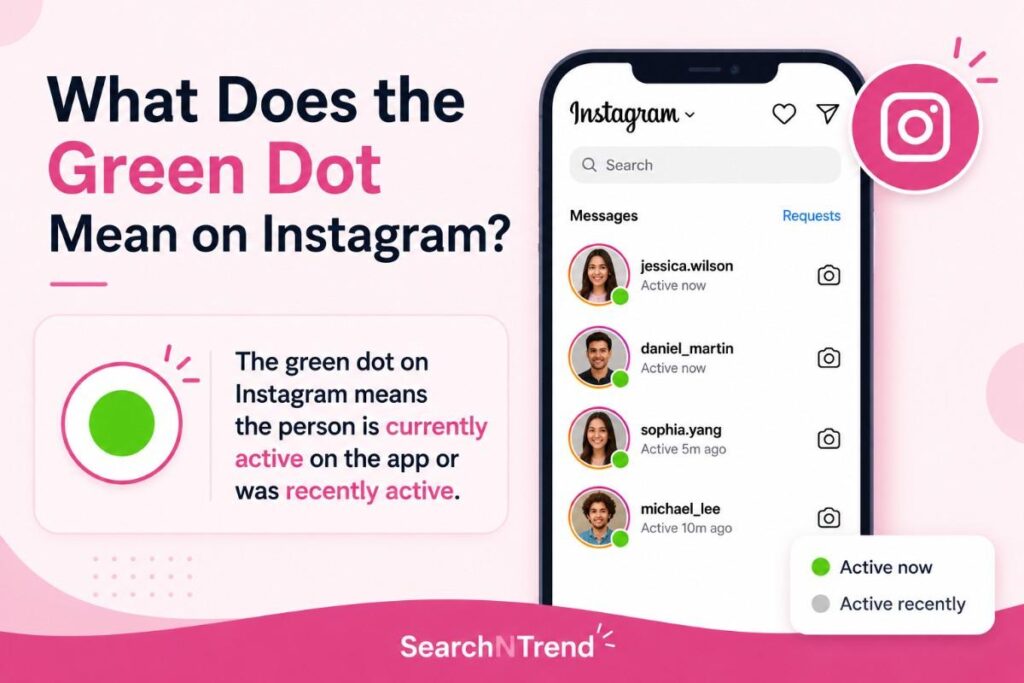
The green dot on Instagram means the person is currently active on the app or was recently active. It is Instagram’s activity status indicator, officially called “Active Now.” It shows up next to someone’s profile picture in your Direct Messages to let you know they have the app open right now.
That’s the short answer. But there’s a lot more to it, including where it appears, how accurate it actually is, what it does NOT tell you, and how to turn it off if you want your privacy back.
I tested this myself by turning my activity status off for a week and then back on. The difference was noticeable. The moment I turned it back on, I could see exactly who was online in my DMs in real time. But I also noticed something interesting: my status sometimes showed as active for a few minutes after I had already closed the app entirely.
Let me break all of it down.
Where Does the Green Dot Appear on Instagram?
You won’t see the green dot everywhere on Instagram. It shows up in specific places only.
- In your Direct Messages (DMs): This is the most common place. Open your inbox, and you’ll see a small green circle next to the profile pictures of people who are currently active.
- In the message thread: When you’re inside a conversation, you’ll see the green dot under the person’s name at the top if they are active right now.
- In the friend suggestions or explore area: Occasionally, Instagram shows activity indicators next to suggested contacts you might message.
The green dot does not appear on someone’s public profile page, on posts, or in Stories. It is strictly a messaging feature.

What Does the Green Dot Actually Tell You?
Here’s where most people get confused. The green dot tells you one thing: the person has Instagram open on their device right now, or did recently.
That’s it.
What the green dot does NOT tell you:
- Whether the person is reading your messages
- Whether they are typing a reply to you
- Whether they are watching Stories
- Whether they are scrolling their feed or doing something else entirely
- Their exact location or device
Think of it like a “door open” sign at a coffee shop. It tells you the place is open — not that anyone inside is ready to serve you immediately.
Green Dot vs. “Active Now” vs. Time Stamps — What’s the Difference?
Instagram shows activity in a few different ways depending on how recently someone was online. Here’s how to read each one:
| Indicator | What It Means |
| 🟢 Green dot | Person is currently active on Instagram right now |
| “Active now” | Same as green dot — app is open and in use |
| “Active 5m ago” | Was on Instagram 5 minutes ago, not currently active |
| “Active today” | Was on at some point today but not recently |
| “Active yesterday” | Last seen yesterday |
| No indicator | Either they turned off activity status, or Instagram isn’t showing it |
The green dot disappears and gets replaced by a timestamp as soon as someone closes the app or goes inactive.
Is the Green Dot Accurate?
Honestly? Not always.
Instagram updates the “Active Now” status every few minutes, so it is not a true real-time tracker. There can be a delay between when someone actually closes the app and when the green dot disappears.
I ran a quick test with a friend. She closed Instagram on her phone while I watched her status on mine. Her green dot stayed visible for almost three minutes before switching to “Active 3m ago.” That small delay is worth keeping in mind before you assume someone is actively ignoring your message.

Here are the situations where the green dot can be inaccurate:
- Background app activity.
If Instagram is running in the background on your phone (even if you’re not actively using it), you might still appear as active. Most smartphones keep apps running in the background by default.
- Multiple devices.
If you use Instagram on both your phone and tablet, your status can show as active on one even if you’re on the other. The two signals don’t always sync correctly.
- Poor internet connection.
A weak or unstable connection can delay the status update, making someone appear active when they’ve already logged off.
- Linked Facebook account.
Since Instagram and Facebook share infrastructure under Meta, activity on Facebook can sometimes affect what shows on Instagram.
The bottom line: treat the green dot as a rough indicator, not a precision tracker. If someone is shown as active but hasn’t replied, there are many possible explanations beyond them just ignoring you.
Does the Green Dot Mean Someone is Reading Your Message?
No. This is the most common misconception about this feature.
Seeing a green dot next to someone’s name while you’re waiting for a reply does not mean they have read your message or are currently looking at your conversation. They could be scrolling Reels, checking their explore page, replying to someone else entirely, or just have the app open while doing something else offline.
Instagram has a separate read receipt system. When someone reads your DM, you’ll see a small version of their profile picture appear below your message. That is the actual confirmation of being read — not the green dot.
Also read what is YouTube monetization and how it works to understand the platform in detail!
How to Turn Off the Green Dot on Instagram
You can hide your activity status so others can’t see your green dot. Here’s how:
On mobile (iOS and Android):
- Open Instagram and go to your Profile
- Tap the three lines (☰) in the top right corner
- Tap Settings and privacy
- Tap Messages and story replies
- Tap Show activity status
- Toggle it OFF
That’s it. Once you turn this off, nobody can see your green dot or your “Active now” status.
One important trade-off: When you turn off your activity status, you also lose the ability to see other people’s green dots. It works both ways. Instagram does not let you hide yourself while still seeing others.
Should You Turn It Off?
It depends on how you use Instagram.
I personally keep mine off. As someone who checks Instagram at odd hours for work, I don’t want followers or clients reading into my activity times. The moment I turned it off, the low-key anxiety of “they can see I’m online and not replying” disappeared completely.
Turn it off if:
- You value your privacy and don’t want people knowing when you’re online
- You get anxious about people seeing you active without replying
- You’re a public figure or creator and don’t want followers tracking your activity
Keep it on if:
- You use Instagram for business and want clients or collaborators to know when to reach you
- You coordinate with a team through Instagram DMs
- You want to know when friends are online before sending a message
There’s no right or wrong answer here. It’s a personal choice based on how you use the platform.
Also check out:
Final Thoughts
The green dot on Instagram is a simple feature, but it carries a lot of misunderstanding with it.
Here’s the key takeaway: It tells you someone has the app open. Nothing more. It does not mean they read your message, are ignoring you, or are available to chat right now.
If you want more control over your privacy, turning it off takes less than a minute. And if you’re using it to gauge whether to send a message, it’s a decent signal — just don’t read too much into it.
Instagram is always evolving, and small features like this one have a bigger impact on how we interact online than most people realize.
Frequently Asked Questions
Only people you follow or have previously messaged can see your activity status. Complete strangers or accounts you’ve never interacted with cannot see your green dot.
Yes, it can. If someone has the app open while watching Stories, the green dot may still show. But again, it only tells you the app is open, not what they’re specifically doing inside it.
Yes. The activity status feature works the same way for both personal and business accounts on Instagram.
Yes. If you put your phone on airplane mode, Instagram can’t communicate with its servers, so your active status will eventually drop. However, there may be a short delay before it disappears.
There is usually a short delay of a few minutes before the dot disappears and gets replaced by a time stamp like “Active 5m ago.”